Cloudflare · · 5 min read
Meet EmDash: Cloudflare’s Next-Generation AI-Native CMS
An introduction to Cloudflare’s open-source EmDash — an AI-native CMS built on Astro and TypeScript — covering sandboxed plugins, Portable Text, Serverless performance, MCP and x402, a five-minute local setup, and highlights from v0.29.0.
 Mttao @bearboy80 998 words 中文 →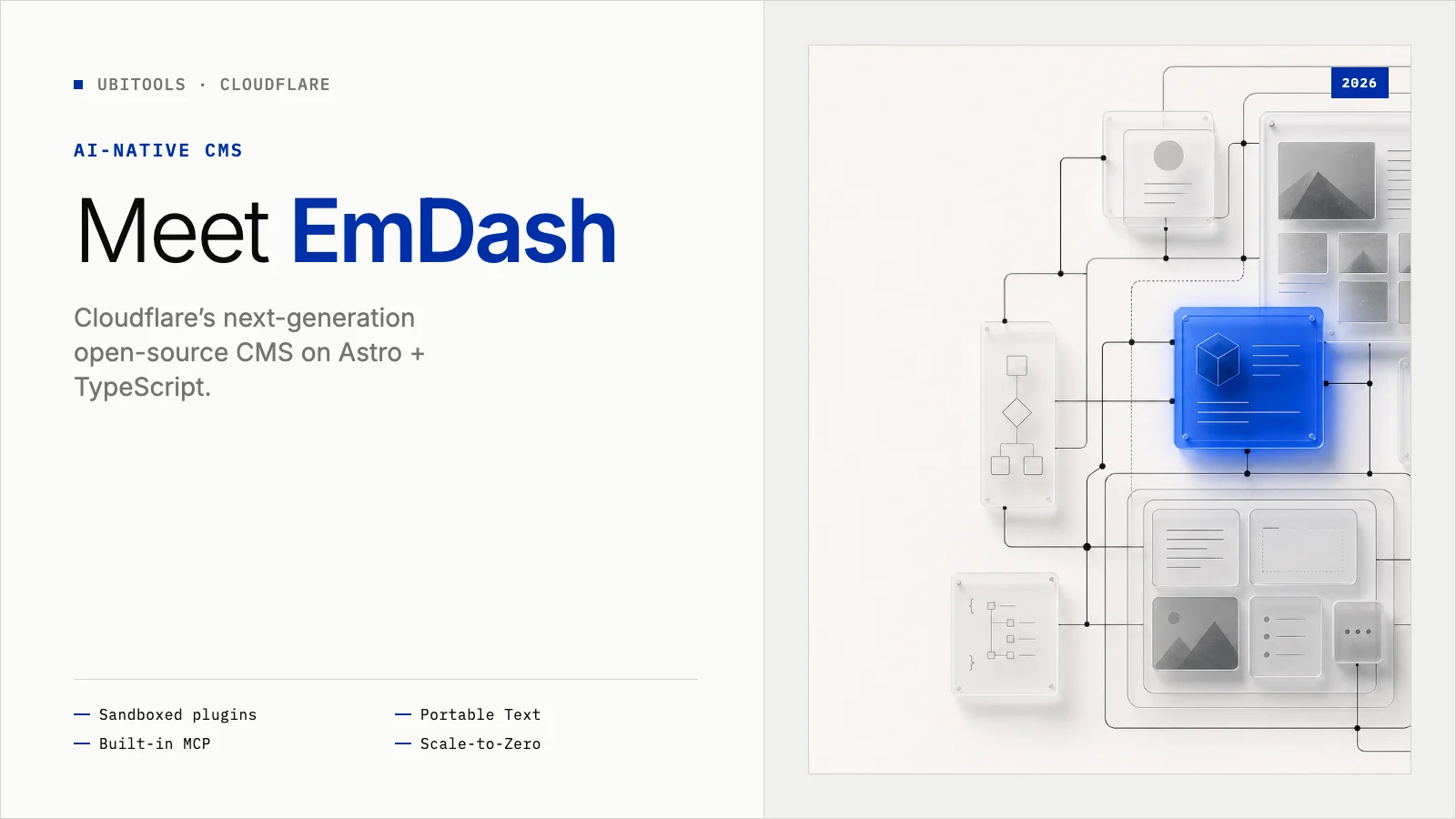
If you’ve built websites over the past decade, WordPress needs no introduction. As the platform powering more than 40% of the web, it fueled a golden age of online publishing. But as cloud computing and AI accelerate, the historical weight of traditional CMS platforms is getting harder to ignore.
In April 2026, Cloudflare launched EmDash, a new open-source content management system — boldly calling it the “spiritual successor to WordPress.” EmDash drops the classic PHP stack entirely, is written in TypeScript, and is built on Astro 6.0. So what makes this next-generation CMS — reportedly built with AI assistance in about two months — actually different?
1. Ending the Plugin Security Crisis
If you’ve operated WordPress in production, you’ve probably lost sleep over plugin vulnerabilities. By some estimates, up to 96% of WordPress security issues come from third-party plugins. That’s largely because traditional plugins, once installed, often get broad read/write access to the host database and filesystem.
EmDash tackles this with a sandbox model. Using Cloudflare’s Dynamic Workers, each plugin runs in an isolated V8 JavaScript Isolate. When you write a plugin, you must declare capabilities explicitly — for example, content read access and email send permission. The plugin can only perform authorized actions, cutting off a major path for malicious code to escalate into core data.
2. Structured Content and Extreme Serverless Performance
Traditional CMS platforms often store article body, styling, and even shortcodes as one long HTML blob in the database. That model gets awkward when the same content needs to ship across mobile apps, APIs, and other channels.
EmDash uses the Portable Text standard and stores content as structured JSON. The same source can render on the web, in a mobile app, on a smartwatch, or as an API payload — a real split between content and presentation.
On performance, EmDash is tightly coupled to Astro and defaults to fast, static output for clients. It is also designed for Serverless environments and scale-to-zero: when traffic is idle, the system can sleep with little or no compute cost; when a spike hits, it can spin up thousands of instances almost instantly.
3. Built for the AI Era
EmDash’s most forward-looking design is that it isn’t only for humans — it’s also built for AI agents. Every EmDash site ships with a Model Context Protocol (MCP) server and Agent Skills documentation written for large language models. That means assistants like Claude or ChatGPT can read your schema through APIs, help orchestrate content, and even assist with writing and deploying plugins.
To address the growing tension between AI crawlers and creator monetization, EmDash also integrates the x402 open micropayment standard at a low level. Site owners can require bots to pay on demand when reading JSON content — laying groundwork for machine-to-machine commerce.
4. Hands-On: Your First EmDash Site in Five Minutes
You can try EmDash locally with Node.js without binding a Cloudflare account right away.
Step 1: Prerequisites
Make sure you have Node.js v22.12.0 or newer. Note: EmDash does not support odd-numbered Node.js versions.
Step 2: Create a Project
Open a terminal and scaffold a new project:
npm create emdash@latestFollow the prompts to name the project and install dependencies.
Step 3: Start the Dev Server
Enter the project directory and start local development:
cd my-emdash-site
npm install
npm run dev
Your site should now be running on port 4321.
Step 4: Passwordless Admin Setup
Open the admin setup wizard in your browser:
http://localhost:4321/_emdash/adminEnter a site name and admin email. The coolest part: you don’t set a password. After you click create, the browser can use fingerprint, Face ID, or Windows Hello to create a Passkey for near-instant secure login.
Step 5: Explore Config and Sandboxed Plugins
In your editor you’ll find astro.config.mjs at the project root. EmDash is essentially an Astro integration — a few lines of config can wire up database and media storage.
For plugins, EmDash separates build-time descriptors (metadata) from runtime logic to enforce the sandbox model.
First, return a PluginDescriptor from a factory in src/index.ts, declaring identity and required capabilities:
import type { PluginDescriptor } from "emdash";

export function notifyPlugin(): PluginDescriptor {
  return {
    id: "notify-on-publish",
    version: "1.0.0",
    format: "standard",
    entrypoint: "./sandbox-entry",
    capabilities: ["read:content", "email:send"]
  };
}
Then implement runtime behavior with definePlugin() in src/sandbox-entry.ts. You don’t restate IDs and permissions here — you focus on hooks or routes:
import { definePlugin, type PluginContext } from "emdash";

export default definePlugin({
  hooks: {
    "content:afterSave": {
      handler: async (event: any, ctx: PluginContext) => {
        // Plugin logic runs in an isolated sandbox and can only use declared APIs such as ctx.email
      }
    }
  }
});
Finally, pass the factory into sandboxed: [notifyPlugin()] in astro.config.mjs so it runs in the protected isolate. This split architecture keeps customization clear and closes a class of privilege-escalation paths common in traditional CMS plugins.
5. A Fast-Moving Ecosystem: Highlights from v0.29.0
As a young open-source project, EmDash ships updates quickly. In v0.29.0, several core areas improved:
- Search and performance: API and admin search now support cursor-based pagination, fixing cases where results couldn’t load the next page. Collections with full-text search (FTS5) also benefit from much faster retrieval via underlying indexes.
- Expanded AI capabilities: The built-in MCP server is stronger. Agents can now assign and manage taxonomies (categories and tags) when creating or updating content.
- Security and SEO: A critical cache issue was fixed so drafts with preview tokens are never incorrectly stored in the edge cache, reducing unpublished-content leaks. For SEO, multilingual sites now get automatic
hreflangalternate link tags.
The community is still tracking editor rough edges (for example, race conditions where autosave can overwrite drafts). Those frequent releases are also evidence that EmDash is maturing against modern web requirements.
6. Closing: What Should the Next CMS Look Like?
EmDash is still early. Its plugin ecosystem and commerce capabilities can’t yet match WordPress’s twenty-year head start, and advanced sandbox features lean on Cloudflare’s commercial platform. Still, it sketches a clear direction for next-generation web infrastructure: type-safe, edge-driven, and AI-native.
To keep up with tools, tutorials, and community resources around EmDash, check out the curated list awesome-emdash.
If you’re a frontend developer — or you’re hunting for a modern, high-performance content stack — open a terminal and try it:
npm create emdash@latestReferences
Mttao GitHub ↗
Exploring technology and life's wisdom
Related Posts
View all →- 01 The Complete Cloudflare Wrangler Guide: From Local Development to Global Deployment Cloudflare· Aug 15, 2025
- 02 Astro, VoidZero, and now Deno: Cloudflare is buying up the frontend toolchain. What should developers do? cloudflare· Oct 11, 2026
- 03 Complete Guide to Securing SSH Access with Cloudflare Zero Trust Cloudflare· Aug 10, 2025