On this page
- 1. Shopify Apps: Functional Extensions and Business Logic
- What is a Shopify App?
- What Can Apps Do?
- Advantages, Hidden Costs, and Trade-Offs
- When to Use Apps
- 2. Shopify Storefronts: Liquid Themes vs. Headless Frontends
- What is a Storefront?
- The Two Implementation Paths
- What Can Storefronts Do?
- Trade-Offs and the “App Gap” Trap
- When to Use Storefronts
- 3. Side-by-Side Comparison: Apps vs. Storefronts
- 4. Architectural Decision Framework: Four Questions to Ask
- 1. Identify the Target Layer: Modular Feature or Presentation Engine?
- 2. Verify Architecture Compatibility
- 3. Check Plan Entitlements for Checkout Rules
- 4. Account for the Maintenance Reality of Headless
- Conclusion
In the Shopify ecosystem, Apps and Storefronts are among the most frequently discussed concepts, yet they are often conflated.
Teams planning a new store or modernizing an existing one frequently ask:
- “We want custom filters on our product pages—should we install an app or modify our theme?”
- “If we switch to a headless frontend, will our existing product review and countdown apps continue to work?”
- “Apps can display UI directly on the page, so what exactly is the distinction between an app and a storefront?”
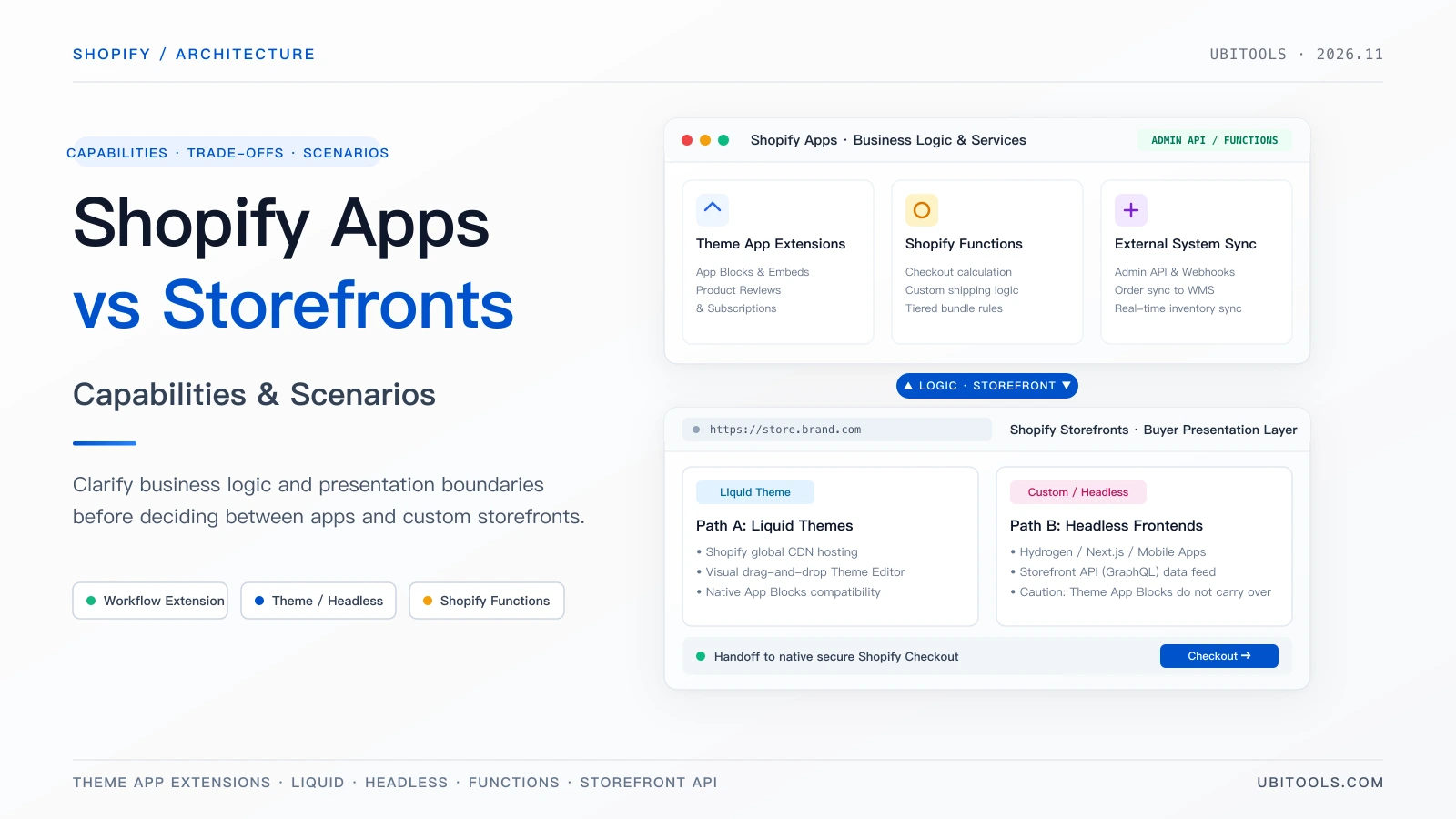
In short: Apps extend store capabilities and automate business processes, whereas Storefronts represent the entire presentation layer that shoppers browse and interact with. While they frequently work together, they operate at completely different architectural layers. Understanding their boundaries, runtimes, and trade-offs is essential to making sound technical decisions.
1. Shopify Apps: Functional Extensions and Business Logic
What is a Shopify App?
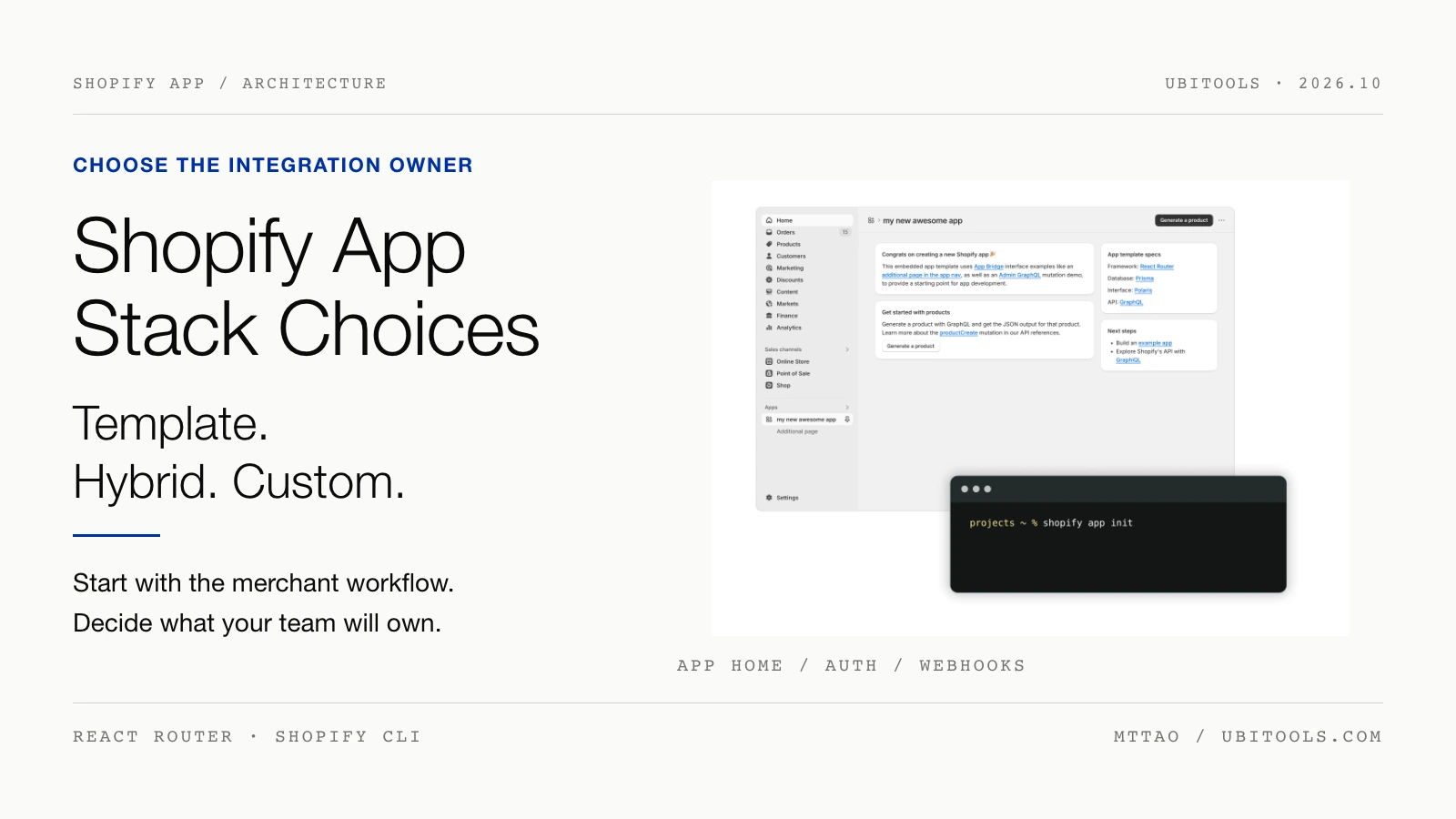
A Shopify app is a software extension installed on an individual Shopify store to augment admin workflows, connect external services, or introduce new store capabilities. It is not a mobile shopping app downloaded to a consumer’s phone.
In terms of distribution and hosting models:
- Distribution Models:
- Public Apps: Designed for multi-tenant distribution across multiple independent merchants, typically reviewed by Shopify and distributed through the Shopify App Store.
- Custom Apps: Built specifically for a single store (or multiple stores within the same Plus organization), deployed directly by developers without public App Store review.
- Hosting and Execution Runtimes:
- Following Shopify’s app development guidelines, apps can run across the Shopify Admin, Online Store, Checkout, Customer Accounts, and Point of Sale (POS).
- Shopify-Hosted Components: Theme app extensions (App Blocks and App Embeds) and Shopify Functions run directly on Shopify’s global infrastructure.
- Self-Hosted Components: An app’s embedded UI (App Bridge), server backend, and persistent database are hosted on the developer’s cloud infrastructure (e.g., Cloudflare Workers, AWS, Fly.io).
- Data Access and APIs:
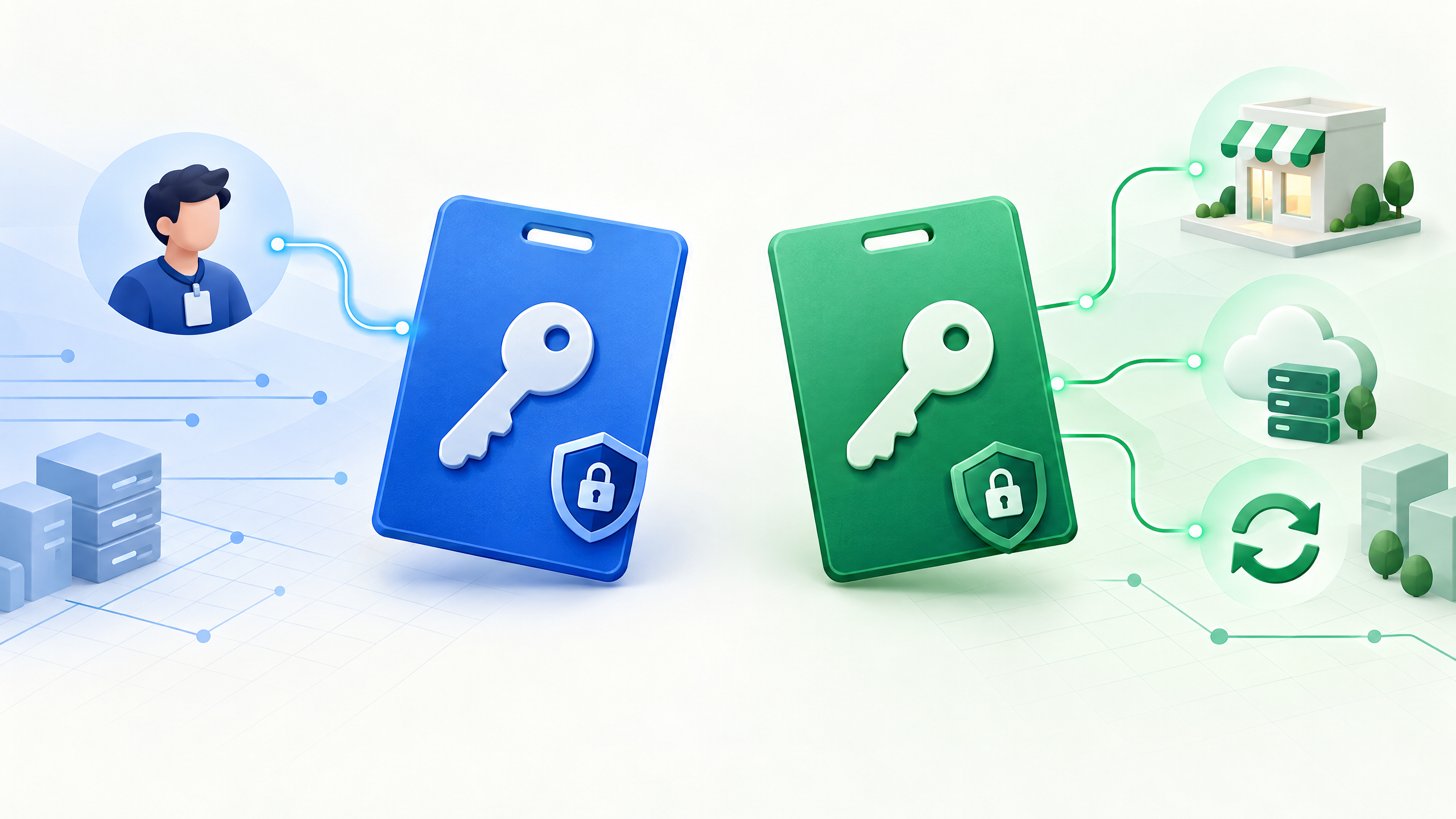
- Apps require explicit authorization (OAuth scopes) from the merchant to read and write store data via the Admin API (GraphQL / REST), governing access to products, orders, customers, and inventory.
What Can Apps Do?
Because apps cover such a wide spectrum of functionality, their capabilities depend entirely on the app’s architecture and the store’s plan:
1. Frontend Enhancements and Social Proof
When product pages need star ratings, customer reviews, or photo galleries, reviews are collected and stored by the app. They are then injected into the merchant’s theme using theme app extensions as modular App Blocks. Merchants position and customize these blocks inside the visual Theme Editor. Buyers interact with the review widget on the storefront, while data storage and processing remain on the app’s backend. Similar extensions power marketing countdowns, size guides, and promotional popups.
2. Subscriptions and Complex Selling Plans
For merchants selling recurring coffee deliveries or monthly consumer goods, shoppers select delivery frequencies on the storefront. The checkout must attach corresponding selling plans, and future recurring billing and order creation must be handled automatically. The selector on the product page is simply the interface; the underlying subscription contract and automated billing are managed by subscription apps utilizing Shopify’s Subscription APIs.
3. ERP, WMS, and Warehouse Data Pipelines
When a brand’s operational source of truth is an internal ERP or warehouse management system (WMS), every online order must be exported in near real-time. Warehouse shipments and physical inventory adjustments must then sync back to Shopify to prevent overselling. These workflows rely primarily on background Admin APIs and Webhooks. There is often no visible UI on the storefront; the value lies entirely in automated data synchronization.
4. Checkout Logic and Calculation Rules (Shopify Functions)
Restricting deliveries to specific regions, requiring a minimum cart value for express shipping, or applying volume discounts across specific item combinations are typically handled through checkout extensions or Shopify Functions. Functions execute custom business logic directly within Shopify Checkout’s low-latency runtime, without redirecting shoppers to an offsite checkout page.
5. POS Extensions and Omnichannel Distribution
When retail staff ring up sales in physical stores, POS extensions allow them to apply online loyalty rewards or unified discount structures. To syndicate product catalogs to Google Shopping, Meta, or external marketplaces, merchants leverage dedicated sales channel apps.
Advantages, Hidden Costs, and Trade-Offs
- Core Advantages:
- Instant Time-to-Market: Turnkey public apps add reviews, subscriptions, and affiliate systems in minutes.
- Zero Maintenance Overhead: The third-party ISV (Independent Software Vendor) maintains infrastructure, bug fixes, and API updates.
- Tailored Workflows: Custom apps can accommodate proprietary warehouse dispatch, fulfillment, or compliance routines.
- Hidden Costs and Constraints:
- Compounding Subscription Fees: Monthly SaaS subscriptions and transaction-based usage fees accumulate rapidly across 10–20 apps.
- Performance Degradation: Legacy apps injecting unvetted
<script>tags can block the browser’s critical rendering path, hurting Largest Contentful Paint (LCP). Modern apps should always use native Theme App Extensions. - External Data Dependencies: Authorizing an app means syncing critical customer or order data to external vendor databases.
- Inter-App Conflicts: When multiple apps attempt to alter the cart drawer, inject conflicting discount codes, or modify pricing rules, race conditions and unexpected layout breakages can occur.
When to Use Apps
- You already have an active, operational theme store and need to add modular capabilities (e.g., reviews, subscriptions, loyalty rewards).
- Orders, customer data, and stock counts must stay synchronized with external ERPs, 3PLs, or CRM software.
- You need server-side validation on checkout calculations (e.g., geographic restrictions or tiered bundle pricing).
- Your physical retail locations using Shopify POS need parity with online promotional and loyalty rules.
- You are a software vendor packaging a repeatable capability for the broader Shopify merchant ecosystem.
2. Shopify Storefronts: Liquid Themes vs. Headless Frontends
What is a Storefront?
Everything a buyer encounters upon landing on a site—homepage banners, product detail pages (PDPs), collection list pages (PLPs), instant search, cart drawers, brand editorial stories, and customer account portals—constitutes the Storefront.
In practice, merchants follow one of two architectural paths:
                    ┌───────────────────────────────────────────────┐
                    │            Shopify Commerce Core              │
                    │ (Products / Inventory / Orders / Checkout)    │
                    └───────┬───────────────────────────────┬───────┘
                            │                               │
             Liquid Engine  │                               │ Storefront API
                            ▼                               ▼
       ┌───────────────────────────────┐   ┌───────────────────────────────┐
       │     Path A: Liquid Theme      │   │    Path B: Headless Custom    │
       │     (Online Store Channel)    │   │  (Hydrogen / Next.js / Apps)  │
       │                               │   │                               │
       │ • Hosted on Shopify CDN       │   │ • Deployed to Oxygen / Vercel │
       │ • Visual Theme Editor editing │   │ • Any framework or mobile app │
       │ • Native Theme App Blocks     │   │ • Self-maintained SEO & state │
       └───────────────────────────────┘   └───────────────────────────────┘
The Two Implementation Paths
Path A: Shopify-Hosted Liquid Themes
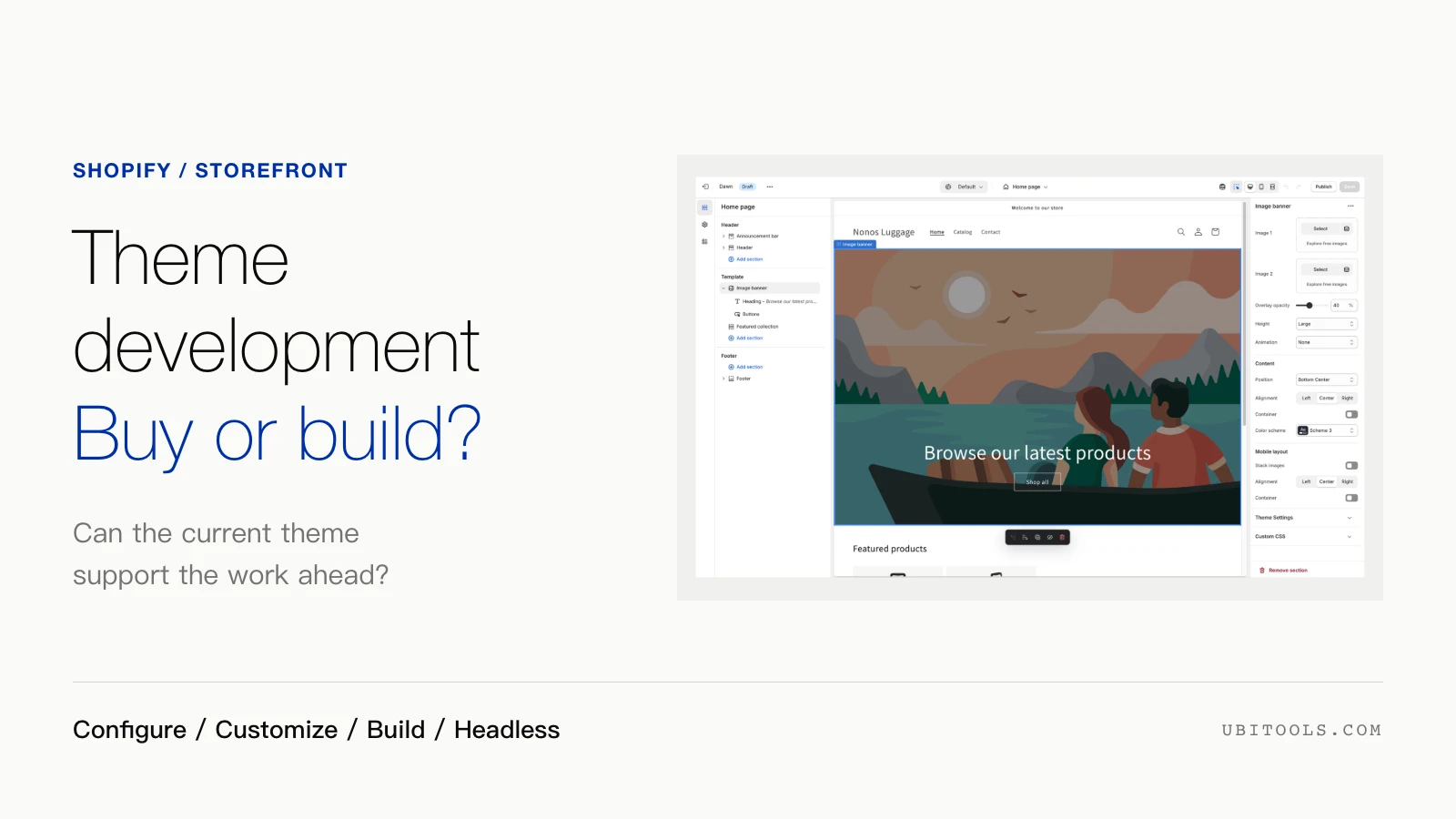
The standard Online Store channel. Pages are authored with the Liquid templating engine and rendered on Shopify’s globally distributed hosting infrastructure. Non-technical marketing teams use the visual Theme Editor to add, rearrange, and configure sections and blocks, update banners, and adjust brand typography and color palettes without developer intervention.
Path B: Headless / Custom Storefronts
A headless architecture decouples the frontend entirely from Shopify’s templating system. The presentation layer is built with modern web frameworks (such as Shopify’s Remix-based Hydrogen framework, Next.js, or Nuxt) and queries Shopify via the Storefront API (GraphQL).
- Deployment Flexibility: Frontends can be hosted on Shopify’s native Oxygen platform or third-party edge platforms (Cloudflare Pages, Vercel, AWS).
- Omnichannel Reach: Native iOS/Android applications, in-store interactive kiosks, and progressive web apps connect via the same Storefront API.
- Platform Invariants: A custom storefront still relies on Shopify Checkout for final transaction settlement, and Admin API private credentials must never be exposed to the client-side browser bundle.
What Can Storefronts Do?
Regardless of technical route, a storefront is responsible for the complete buyer journey:
- Product and Brand Merchandising: Displaying imagery, 3D AR models, variant pickers, and dynamic pricing, alongside editorial brand storytelling.
- Discovery and Navigation: Offering instant search suggestions, faceted collection filtering, and breadcrumbs.
- Cart and Checkout Handover: Managing cart item state and gracefully transferring the customer to Shopify Checkout upon conversion.
- Customer Account Management: Providing authentication, order history tracking, and saved delivery addresses via the Customer Account API.
- Editorial Commerce Integration (Headless Advantage): For brands with established content publications, digital magazines, or dedicated CMS platforms (e.g., Sanity, Strapi, WordPress), headless enables embedding live product cards and buy buttons directly into existing editorial workflows without porting the content into Liquid.
Trade-Offs and the “App Gap” Trap
- Liquid Theme Trade-Offs:
- Pros: Zero hosting infrastructure to maintain; seamless non-technical editing; native compatibility with virtually every App Store plugin.
- Cons: Rigid architectural constraints. Radically bespoke layouts, complex animations, or state-heavy interactive configurators are difficult and brittle to build inside Liquid.
- Headless Frontend Trade-Offs:
- Pros: Total technological freedom; unified design system across web and native mobile apps; seamless union with external CMS platforms.
- Cons: Substantial engineering overhead. The team must build and maintain routing, server-side rendering (SSR), caching, OpenGraph tags, SEO schema, and performance monitoring. Going headless does not inherently guarantee faster load times or improved search rankings.
- The Critical “App Gap”:
- Pre-built Liquid app blocks do not automatically transfer to custom frontends.
- Apps relying on Liquid theme slots (e.g., product review widgets, recommendation carousels, dynamic urgency banners) will not render on a headless site out of the box.
- Teams must audit every installed app to confirm whether it exposes a public Storefront API or headless SDK. If it does not, developers must build the UI components and API integrations from scratch.
When to Use Storefronts
- Choose Liquid Themes When:
- You are launching or scaling a standard brand store where proven theme patterns drive conversion.
- Merchandising and marketing teams require the autonomy to visually restructure campaign layouts without developer tickets.
- Choose Headless / Custom Storefronts When:
- An established content publication or high-traffic editorial site wants to add shopping features while preserving its existing tech stack and CMS.
- The desired brand experience requires complex 3D product customizers or experimental UI workflows that exceed theme capabilities.
- You are building shopping journeys inside native iOS or Android mobile applications.
- The business has a dedicated, permanent frontend engineering team capable of supporting custom production infrastructure.
3. Side-by-Side Comparison: Apps vs. Storefronts
| Dimension | Shopify Apps | Shopify Storefronts |
|---|---|---|
| Primary Definition | Software capability extensions installed onto a store | The complete customer-facing presentation layer |
| Core Responsibility | Enhancing admin flows, injecting UI blocks, customizing checkout rules, syncing external systems, connecting sales channels | Product discovery, collection filtering, cart interactions, customer accounts, and handing off to checkout |
| Runtime & Hosting | Theme App Extensions / Functions (Shopify-hosted); App UI, database & server (Developer-hosted) | Theme store (Liquid, Shopify-hosted); Headless (Next.js / Hydrogen, self-hosted on Oxygen / Vercel) |
| Key Strengths | Instant reuse of battle-tested ecosystem capabilities; vendor-maintained updates; bespoke custom logic | Themes offer turnkey visual editing; Headless delivers unconstrained UI freedom and deep CMS integration |
| Key Constraints | Compounding monthly SaaS fees; API version constraints; potential frontend script bloat | Themes are constrained by templating limits; Headless demands custom DevOps, and theme app blocks do not carry over |
| Typical Scenarios | Product reviews, subscriptions, ERP/WMS inventory sync, checkout validation, multi-channel syndication | Standard DTC ecommerce, editorial commerce on external CMS platforms, high-interactivity flagships, native mobile apps |
4. Architectural Decision Framework: Four Questions to Ask
Before deciding whether to install an app or overhaul your storefront, walk through this decision sequence:
                  [ New Requirement / Business Need ]
                                   │
                                   ▼
             ┌───────────────────────────────────────────┐
             │ Q1: Are you adding a modular capability,   │
             │     or transforming the customer journey? │
             └─────────────────────┬─────────────────────┘
                                   │
                    ┌──────────────┴──────────────┐
                    ▼                             ▼
         [ Modular Capability ]         [ Journey Overhaul ]
                    │                             │
                    ▼                             ▼
       ┌─────────────────────────┐   ┌─────────────────────────┐
       │ Q2: Evaluate App Route  │   │ Q3: Evaluate Storefront │
       │ • Theme block support?  │   │ • Theme tweak or headless?│
       │ • Plan limits/Functions?│   │ • Team ready for DevOps?│
       │ • Script performance?   │   │ • Who rewrites app UI?  │
       └─────────────────────────┘   └─────────────────────────┘
1. Identify the Target Layer: Modular Feature or Presentation Engine?
If the requirement is adding customer photo reviews, automated recurring replenishment, or syncing inventory with a local warehouse, it is an App problem. If the requirement is that product pages feel too rigid, the brand’s unique storytelling cannot fit into standard grid templates, or you want to sell products inside an existing custom blog, it is a Storefront problem.
2. Verify Architecture Compatibility
When evaluating third-party apps:
- For Liquid themes, prioritize apps with native Theme App Extensions over legacy apps injecting unvetted global
<script>tags. - For headless storefronts, verify upfront whether the vendor provides a clean GraphQL Storefront API or JavaScript SDK for headless consumers.
3. Check Plan Entitlements for Checkout Rules
If your goal is to intercept and rewrite checkout calculations (such as masking shipping options or enforcing complex discounts), confirm whether the capability requires Shopify Functions. Custom Function APIs require a Shopify Plus plan; verify plan eligibility before building custom extensions.
4. Account for the Maintenance Reality of Headless
A headless storefront is an ongoing software product, not a one-time project:
- DevOps Costs: Who manages edge deployments, server-side caching, OpenGraph cards, and Core Web Vitals?
- Ecosystem Costs: Who will rebuild the frontend UI for your review widgets, dynamic bundles, and loyalty displays when existing theme blocks no longer render?
Conclusion
In successful Shopify architectures, Apps and Storefronts are complementary layers, not competing alternatives:
- A high-converting direct-to-consumer brand typically relies on an optimized Liquid Theme as its storefront for operational agility, pairing it with curated Apps for reviews and warehouse sync.
- A content-first lifestyle brand might deploy a Headless Storefront to weave commerce directly into its existing publication, backed by a Custom App to reconcile private ERP orders and compliance rules.
By mapping requirements to their appropriate architectural tier, engineering and ecommerce teams can deliver compelling shopping experiences without accumulating unnecessary technical debt.